
The common-collector circuit
Schematic of the common-collector circuit with NPN- and PNP-BJT
The pictures show the schematics of the common-collector circuit with NPN transistor and with PNP transistor.
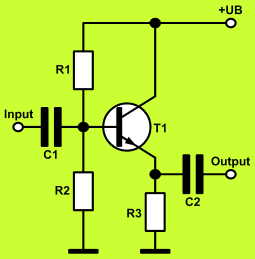
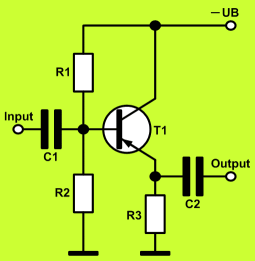
Fields of application for the common-collector circuit
The common-collector circuit is a basic transistor amplifier with current gain. It has a high input impedance and a low output impedance. The voltage gain is slightly lower than one.
The common-collector circuit is suited as a driver stage for connecting with a low impedance load. This application is called an impedance converter.
How to design a transistor amplifier in common-collector configuration
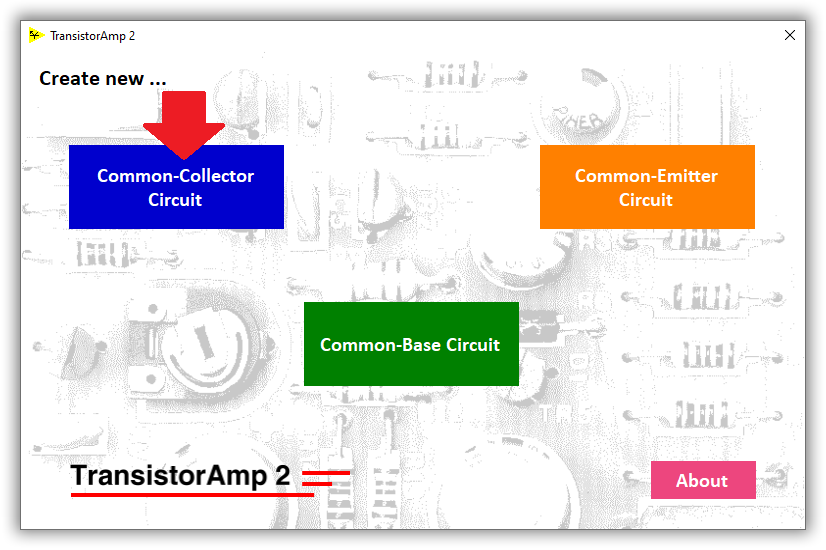
Transistor amplifiers in common-collector configuration can be designed with TransistorAmp 2 software. Start TransistorAmp 2 and click the Common-Collector Circuit button:
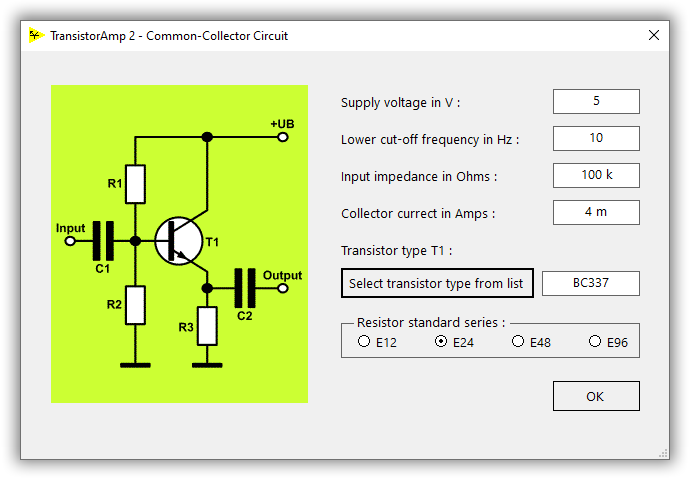
Now, the dialog Common-collector circuit appears. Here you must input all parameters of your amplifier circuit:
To select the transistor type for your circuit, you must click the button Select transistor type from list and choose the transistor type within the next dialog:
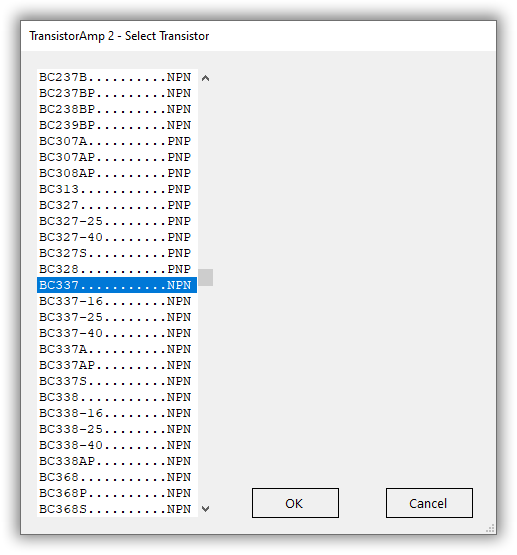
TransistorAmp 2 contains almost every usual type of bipolar transistor (thousands of types). So, you will certainly find there the transistor type you need. After having chosen a transistor type, you must click on OK and you will get back to the previous dialog (where you specify your amplifier). Now, that dialog contains the transistor type which you have selected and you can click on OK. Then, the dialog closes and you will see immediately the design result of your new transistor amplifier:
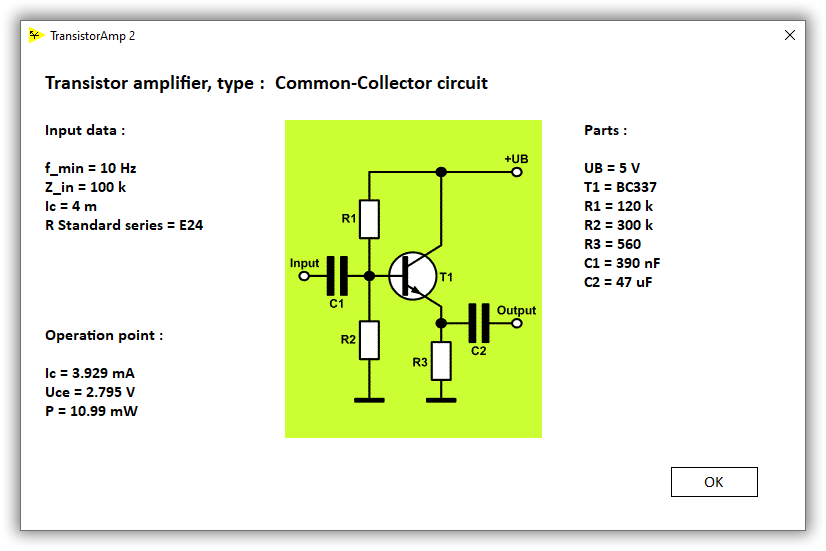
Here, you can see your input parameters, the circuit and the values of all components. Furthermore, you can see the most important parameters of the operation point, i.e. collector current, collector emitter voltage and power consumption.
If you want to change any parameter of the circuit, click the Create New button and then again the Common-Collector Circuit button, and you will see that the input dialog has remembered all of your inputs, so it is easy for you to make changes.
If you want to save your result, click the Save Result button, and input a file name and save the file.
Here, you can see the result file from our example: Amplifier in common-collector configuration
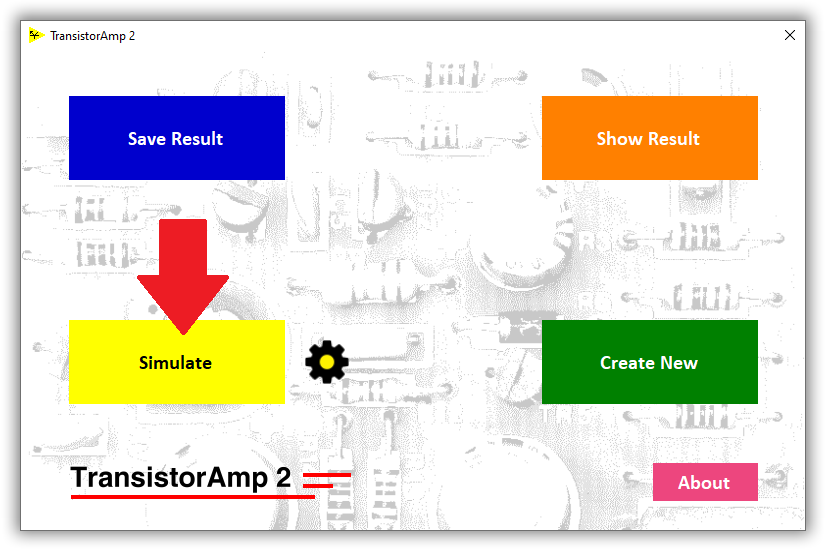
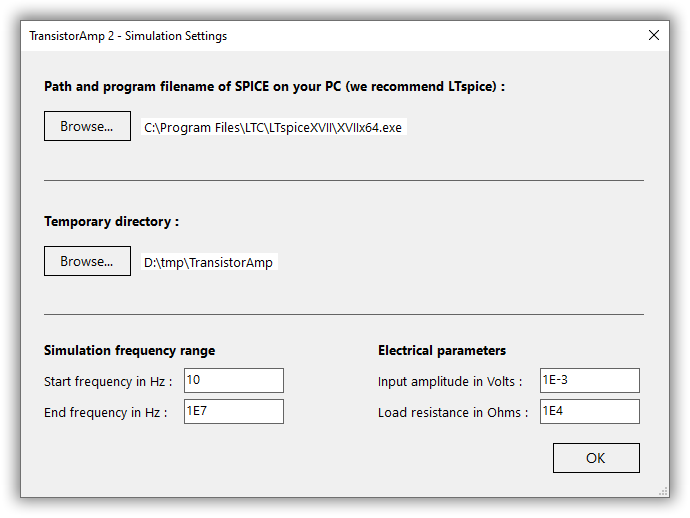
If you want to simulate your circuit, click the Simulate button.
The first time you do this, you must input some settings:
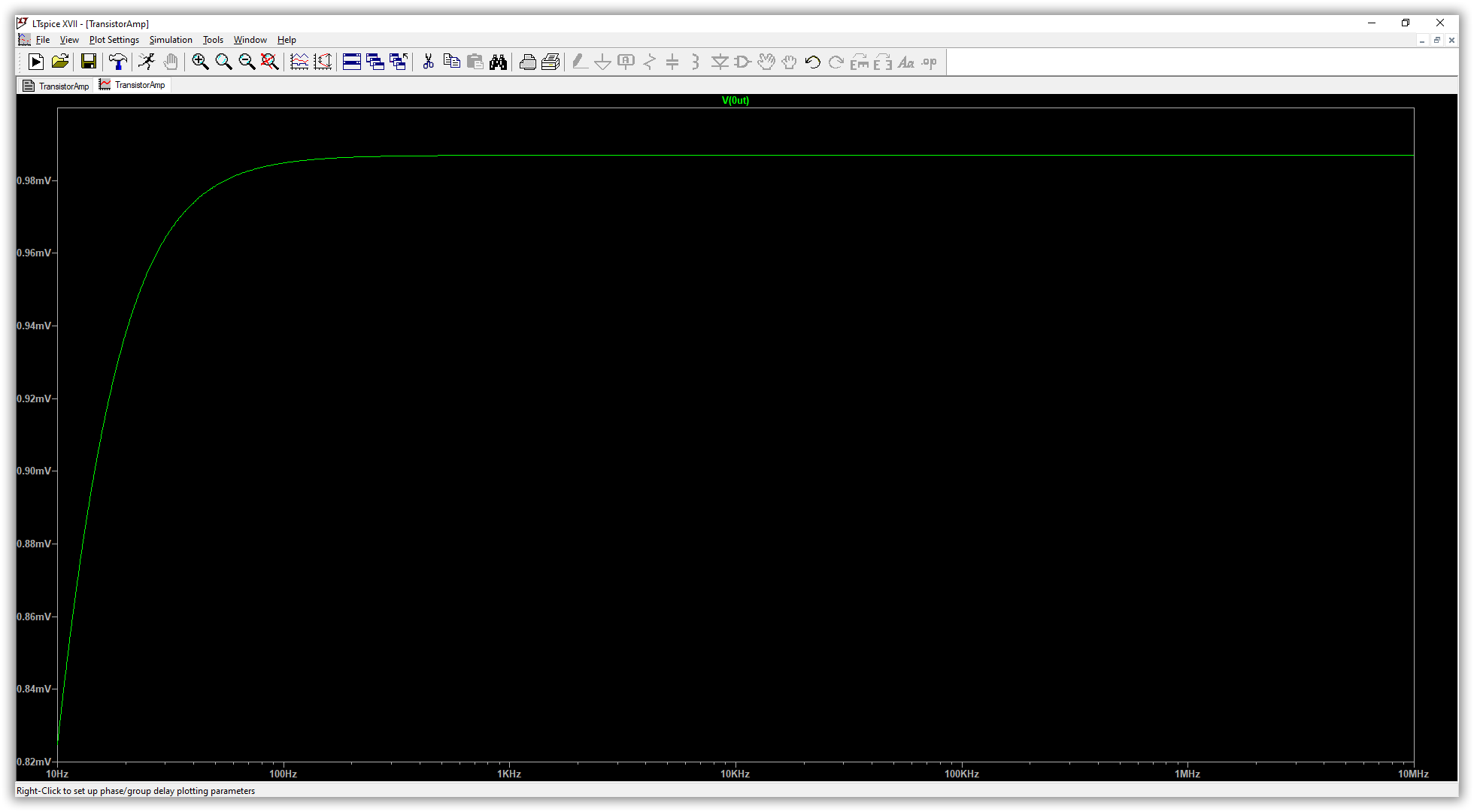
The simulation (AC sweep) in LTspice shows the output signal (input amplitude: 1 mV):
© Circuit Experts 2024
Imprint
· Privacy Policy
· Deutsch